Log meal
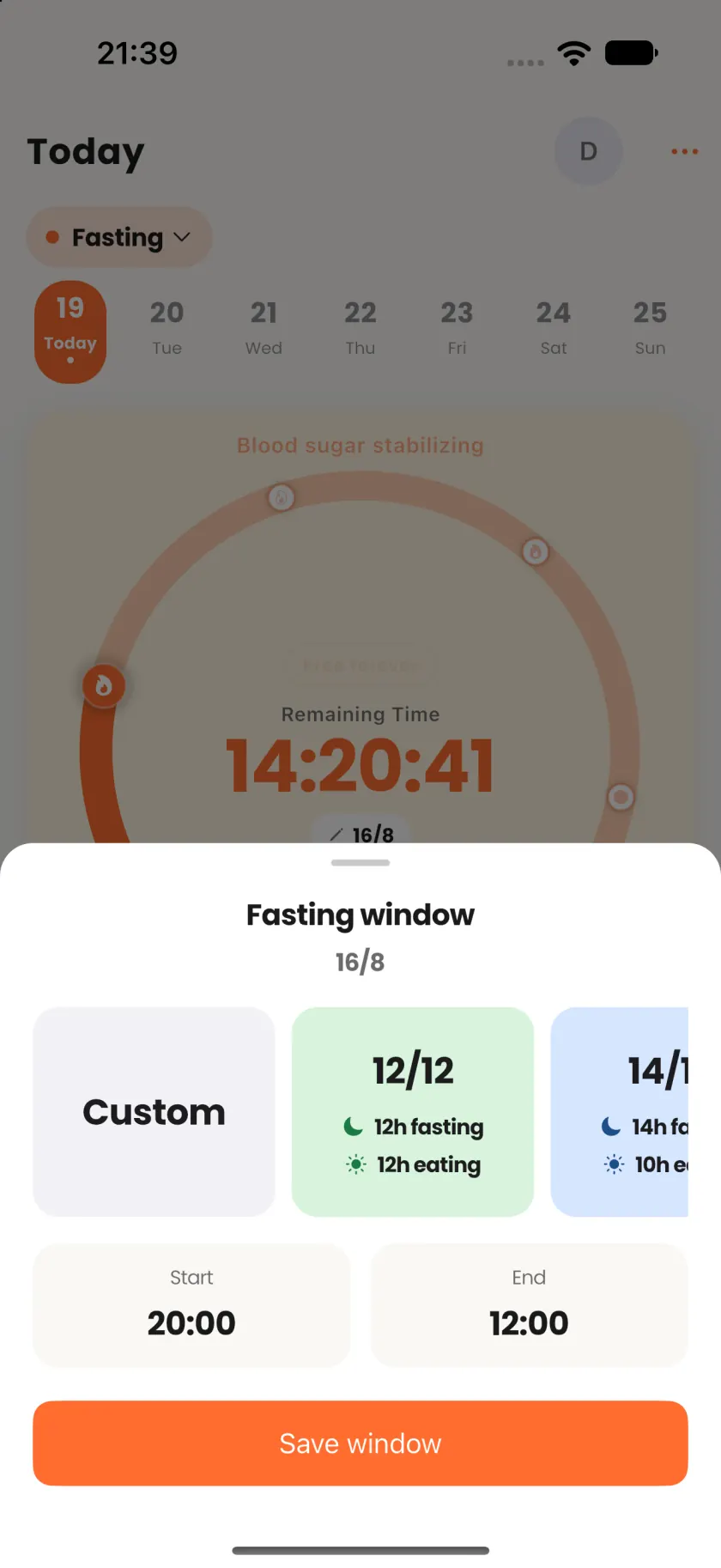
Logging should not take longer than the meal
Start the way you already think about food
Search, type, speak, snap, scan, or repeat. Or keep talking with Coach until the meal is right, then confirm.
Limotein
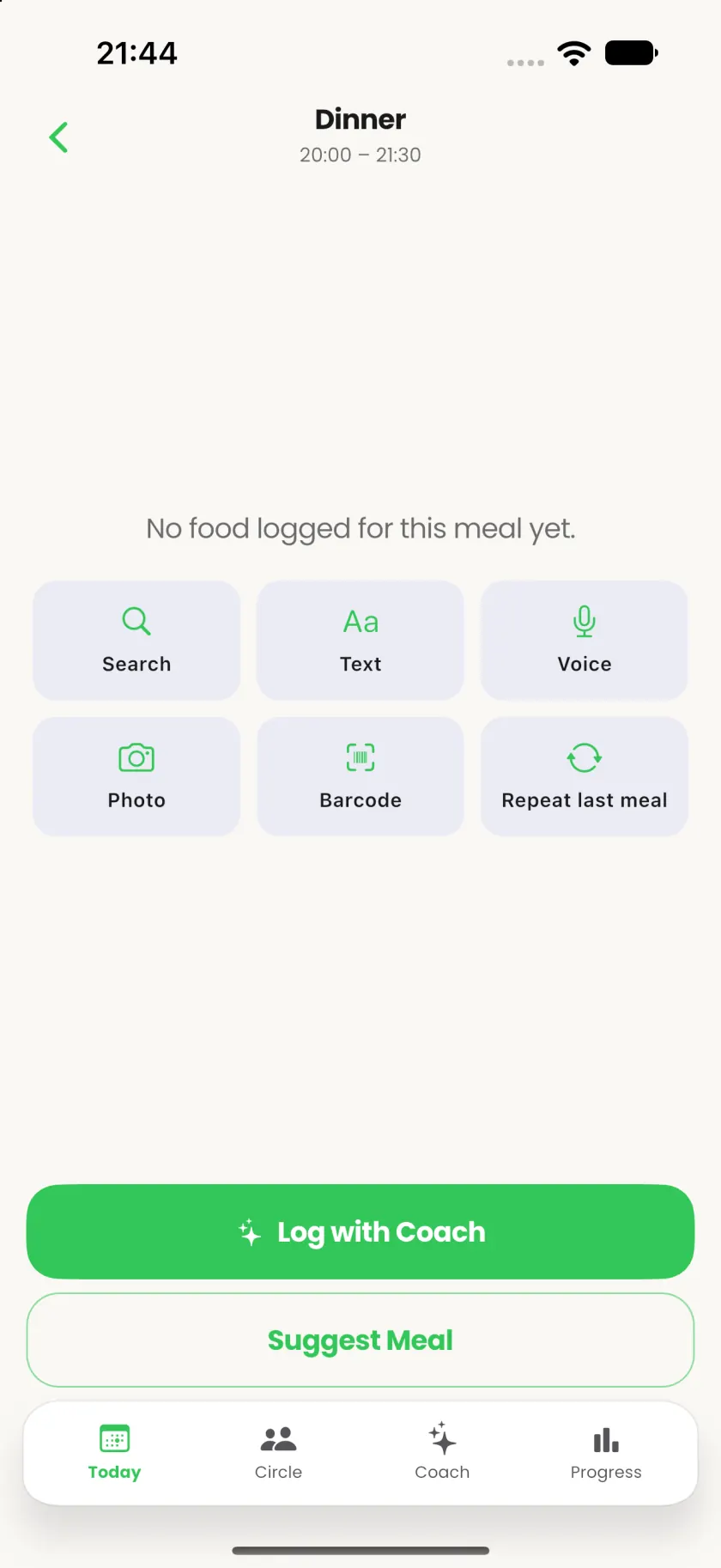
Limotein makes logging fast enough to keep doing it
When calorie tracking feels like a second job, talk, snap, or search a meal. Coach drafts the numbers. You confirm once, then move on with your day.


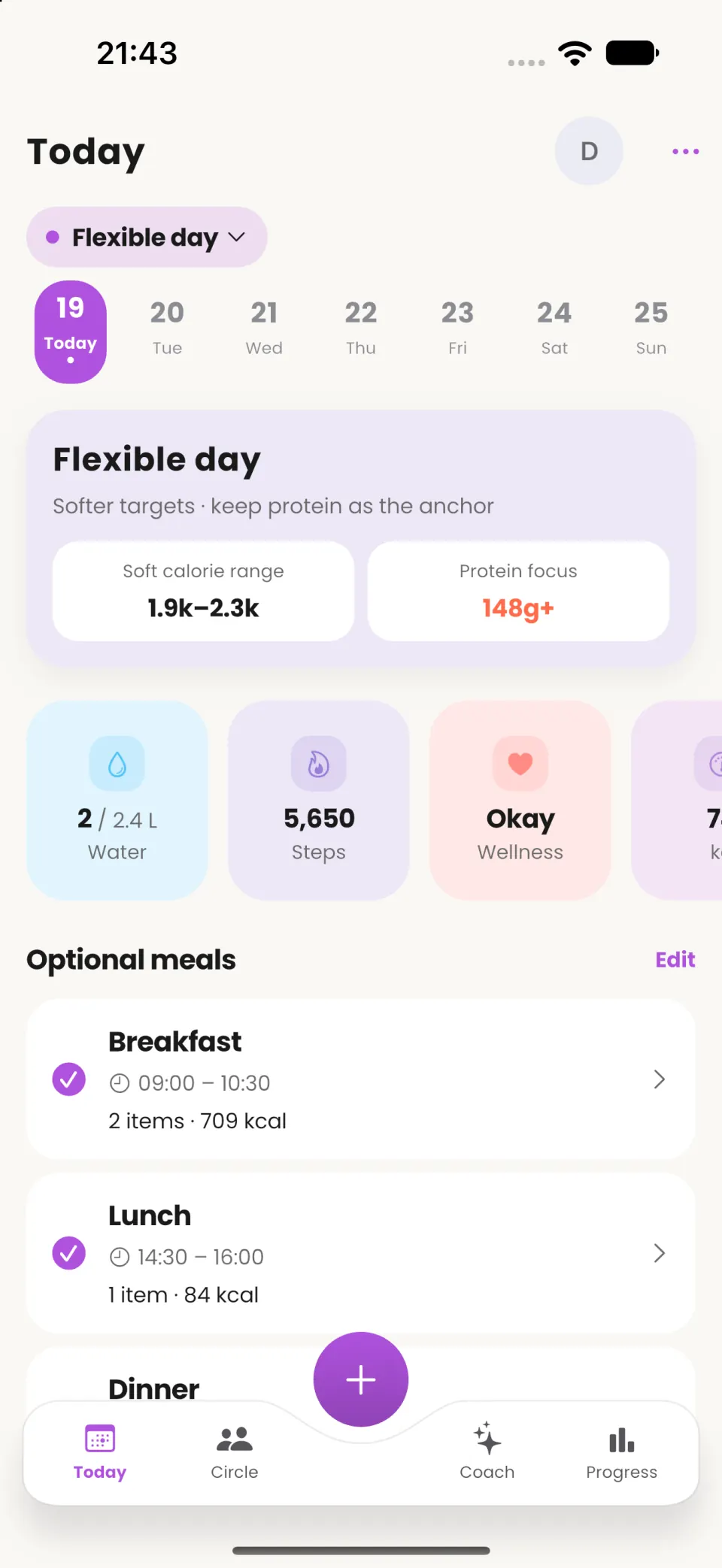
Coach
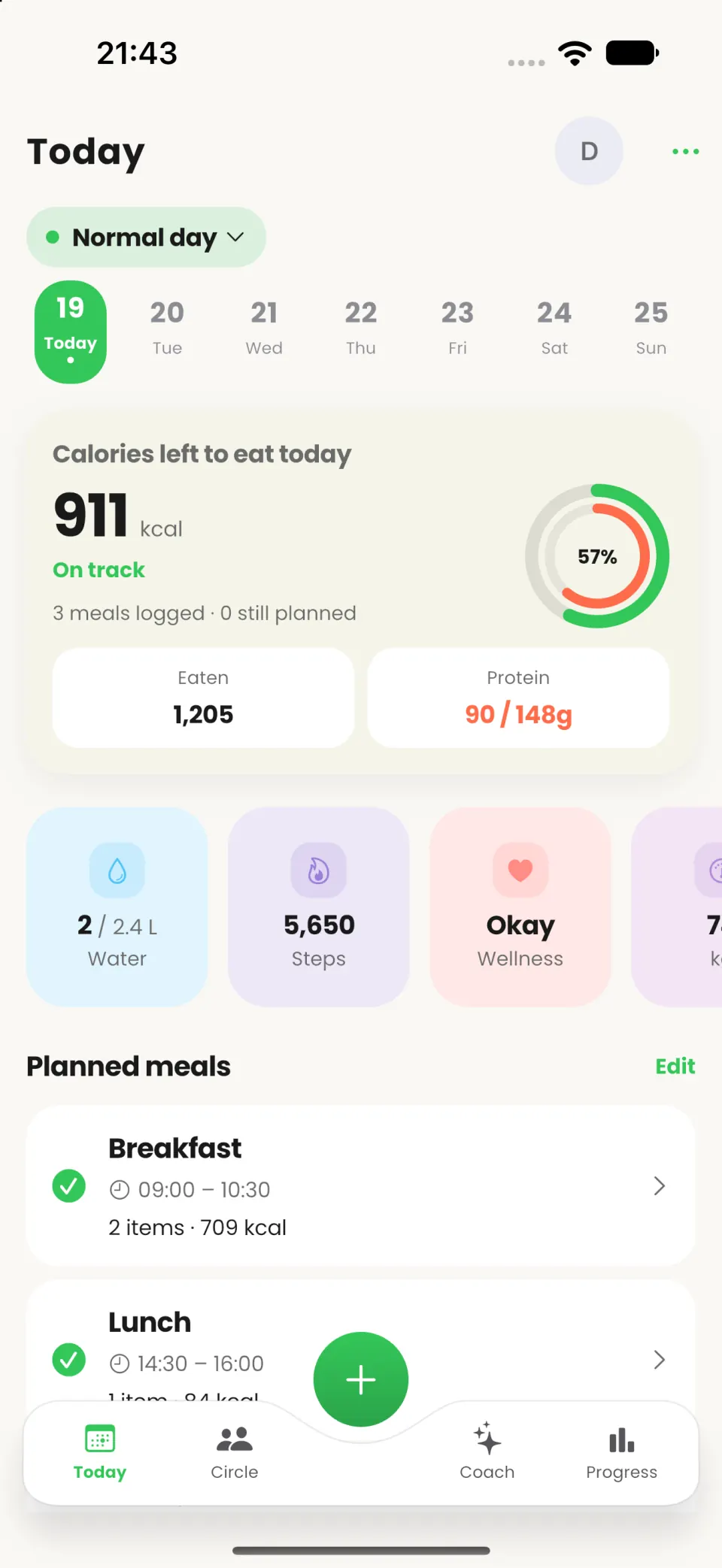
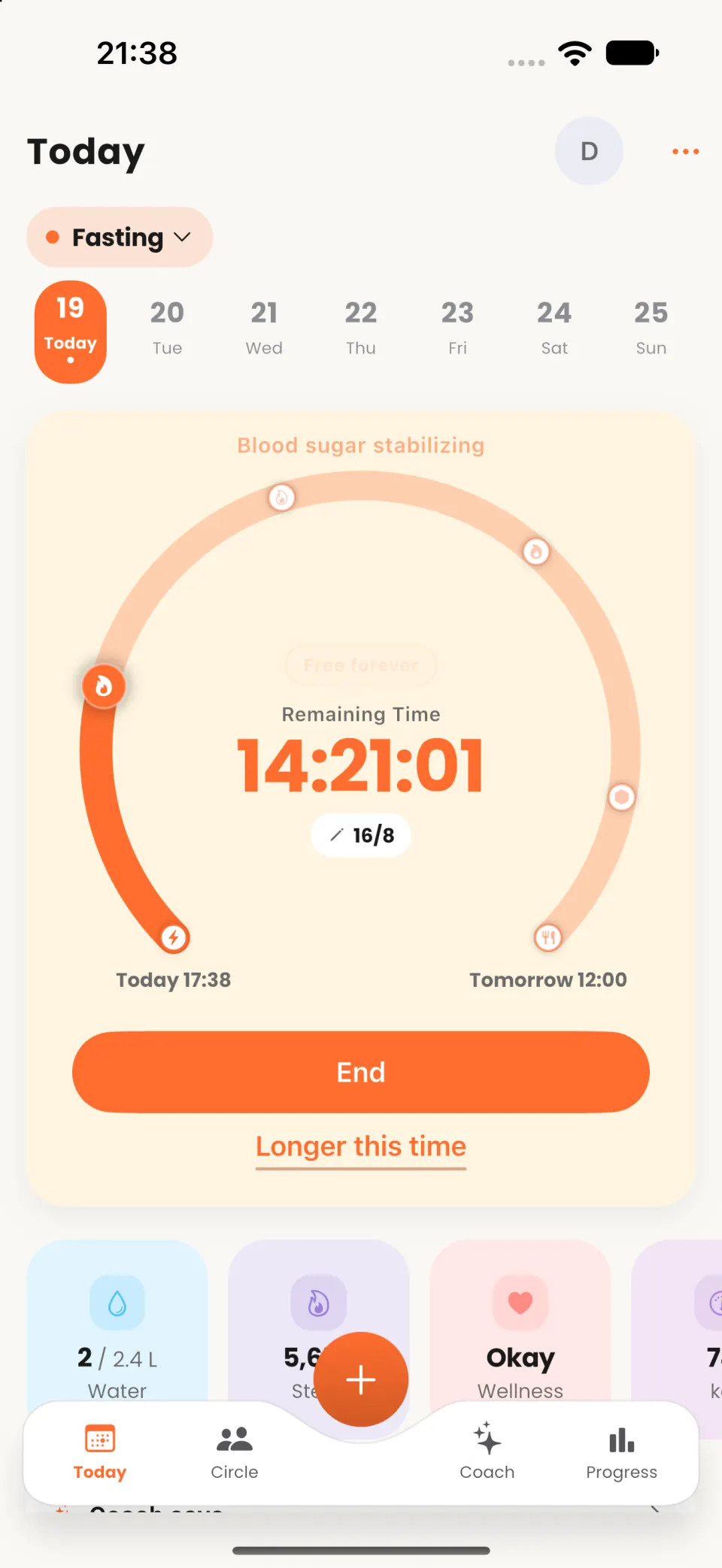
Limotein Coach sees your log and waits for your confirm
You keep control. Coach drafts the next step from the same calories, protein, and meals you already track, then you decide what gets saved.
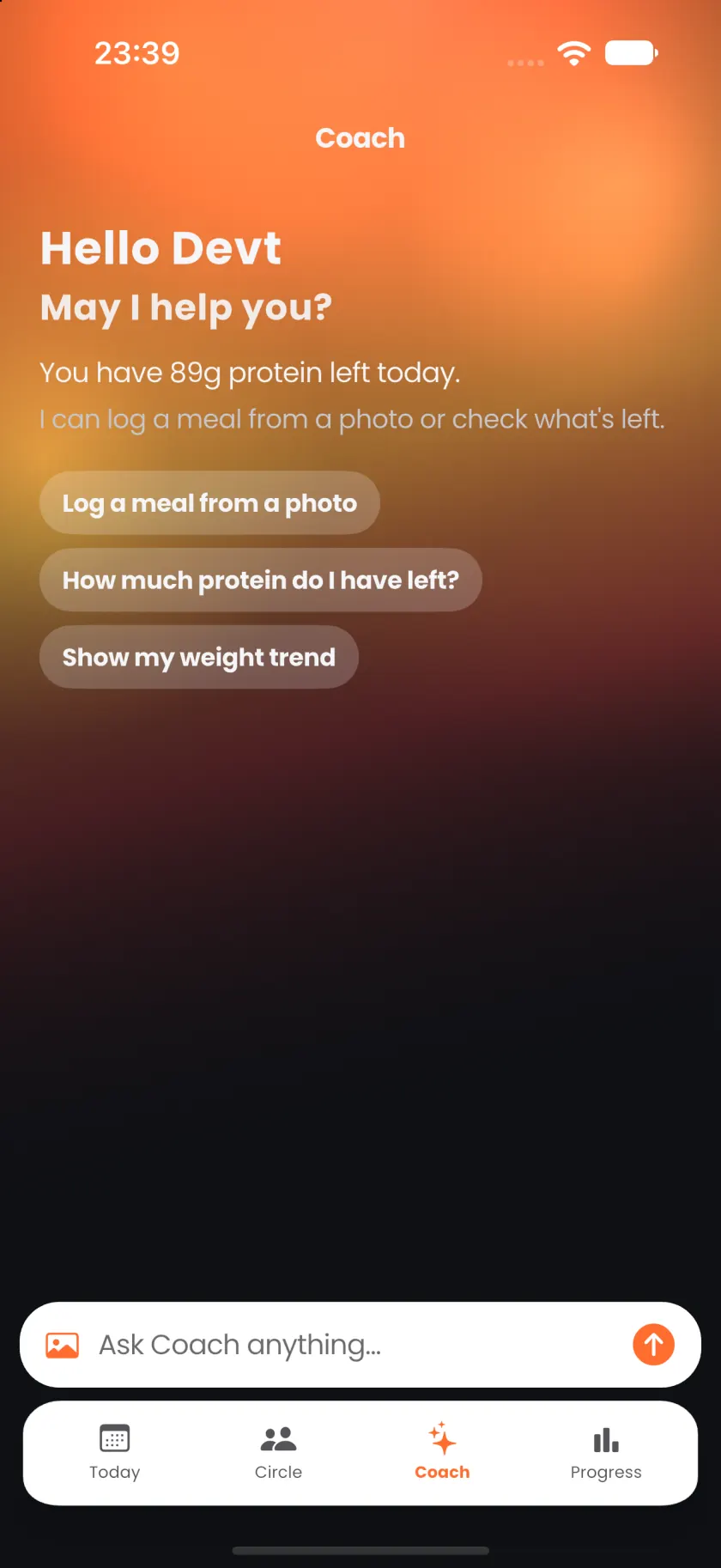
Log meal
Start the way you already think about food
Search, type, speak, snap, scan, or repeat. Or keep talking with Coach until the meal is right, then confirm.
From the blog
 High-Calorie Foods, and Nutrition Strategies for Men and Women
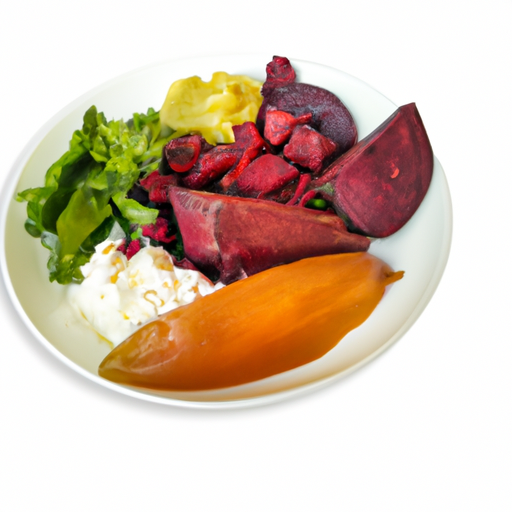 Healthy Weight Gain Guide: Nutrition Tips High-Calorie Foods and Muscle Building Workouts
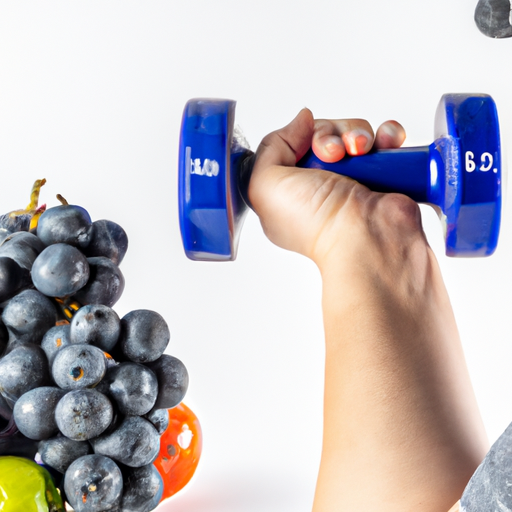 Healthy Weight Gain: Nutrition, High-Calorie Foods, and Workout Tips
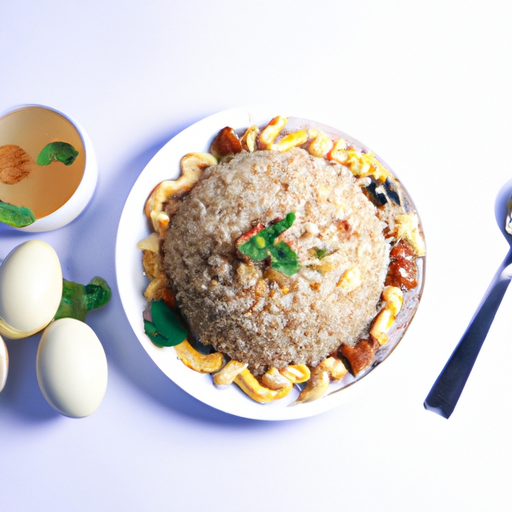 Master Healthy Weight Gain: Foods, Workouts, and Nutrition Tips
 Healthy Weight Gain Guide: Foods Workouts & Nutrition Tips
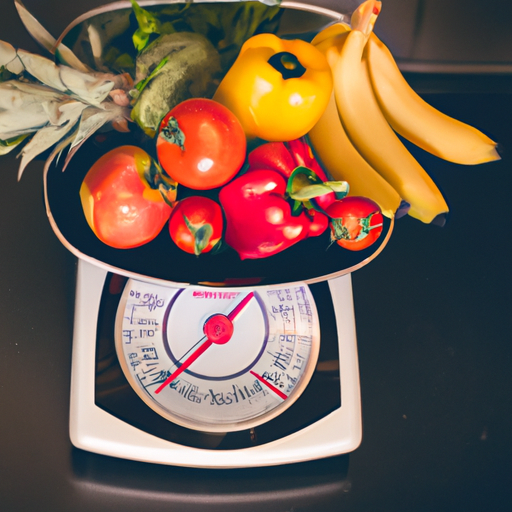 Effective Nutrition Strategies for Healthy Gains on Your Weight Gain Journey


Download and start your free trial today.